


See Andavo in action
Meet with our team to get a sneak peek of the Andavo platform, and see how it can help streamline your program management




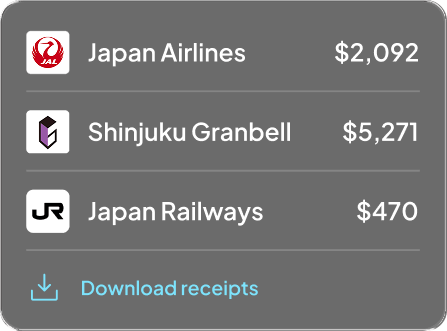



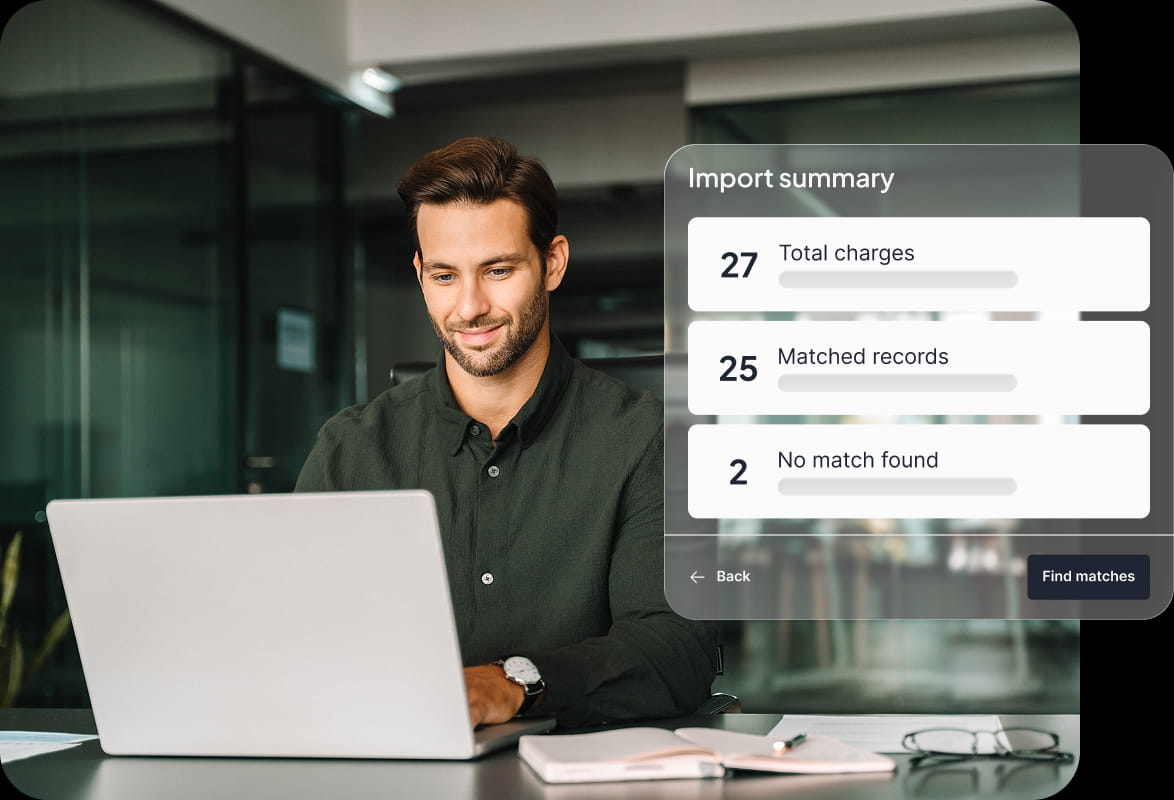

Andavo Expense Reconciliation matches your bank or credit card statement against your travel data and hands back an enriched file — every transaction tagged with traveler, trip, and cost center — formatted for the expense or ERP system you already use. It runs self-serve in Andavo Admin: upload your statement, point to your ticket-number column, and it does the matching.
Andavo reconciles against yYour bank or credit card statement —the financial source of truth for what was actually charged, settled, and refunded. Most platforms reconcile within their own booking system; Andavo starts from your statement, so it catches discrepancies a booking-only view would miss.
No. Upload your file as-is.You point Andavo to the column that holds your ticket numbers, and it handles the rest. Once you’ve set it up, future reconciliations use the same mapping automatically.
They stay visible, flagged as “No match.” You see your complete statement with travel matches overlaid, rather than a filtered slice, so nothing disappears without your knowing.
No. Andavo enriches your data and exports it formatted for the expense or ERP system you already use, with your original fields preserved. There’s no migration and nothing new to learn.
Traveler identity, trip details, cost center coding, and booking data are added to each matched transaction. These data points append to your original transaction — so an opaque line item becomes something your finance team can actually account for.
Setup is quick and one-time. Once your card source and column mapping are configured, ongoing reconciliations reuse the same setup with no reconfiguration.
